Google Introduces Skills to Replace Gems in Gemini and Google Workspace

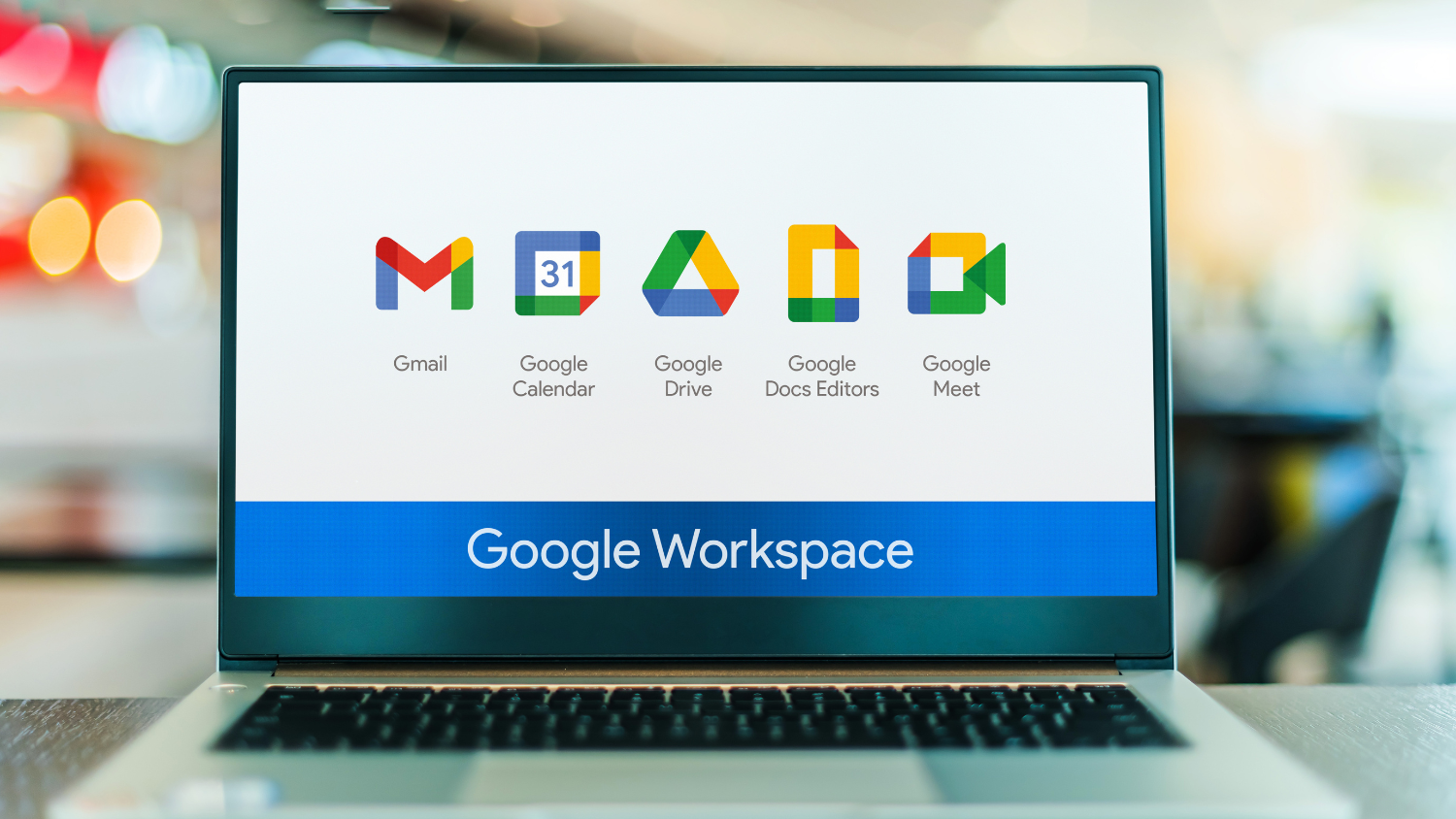
Google is replacing Gems with Skills — a more flexible, stackable way to customize reusable instructions across workflows. Rolling out to Google Workspace and Gemini, Skills enable students, faculty and staff to streamline repetitive tasks.
Starting June 1, 2027, Gems will be fully retired across education accounts and remaining Gems in the Gemini app will automatically convert to draft Skills.
What’s New
Skills will offer enhanced functionality:
- Easy Access: Trigger any skill directly inside an active Gemini chat by typing /. For example, /citation-checker.
- Stackable Prompts: Combine multiple skills in a single prompt or workflow. For example, pair a /style-guide skill with a /grant-proposal-builder to analyze and format a draft simultaneously.
- Smart Automation: Gemini can automatically detect prompt intent and trigger relevant skills without manual selection.
What’s Different
- Separate Environments: Skills do not automatically sync between the Gemini app and Google Workspace apps, like Google Docs.
- Duplication Required: If you want to use a specific skill across both the Gemini app and Workspace apps, they must set it up separately in each platform.
Recommended Next Steps
- Audit Existing Gems: Identify your most used Gems.
- Recreate: While Gems will auto-migrate to draft Skills in June 2027, you can get the enhanced functionality now by manually creating Skills based on your Gems.
- Duplicate Skills: Wherever cross-platform use is needed, ensure Skills are set up in both the Gemini app and Google Workspace apps.
Comparing Gems and Skills
| Feature | Gems | Skills |
|---|---|---|
| Create a new Gem or skill | Only from the Gems manager page | From any chat or skills manager page |
| Use a Gem or skill | Only from the Gems manager page | Type / in any chat |
| Create and edit on mobile | No | Yes |
| Craft instructions | Write manually or use Gemini to rewrite instructions | Write manually or co-create with help from Gemini |
| Use multiple at once | No | Yes |
| Attach files as knowledge sources | Yes | Yes |
| Use automatically, based on the context and intent of your task | No | Yes |
| Make a copy | Yes | No Download, reupload and customize as a new skill |
| Shared via Google Drive | Yes | Yes |

Get Help
For questions, contact the NC State Help Desk via the NC State IT Service Portal or call 919.515.HELP (4357).
Contact us- Categories: