
Don’t fall for phishing this semester.
Phishing might look like an email requesting personal information, a text with a malicious link or a fake website. And one wrong click or share puts our entire community’s data at risk.
With every email, text or other form of communication, always remember these three steps:
- Be suspicious.
- Take your time.
- Ask for help.
Here are some specific tips to protect yourself and NC State:
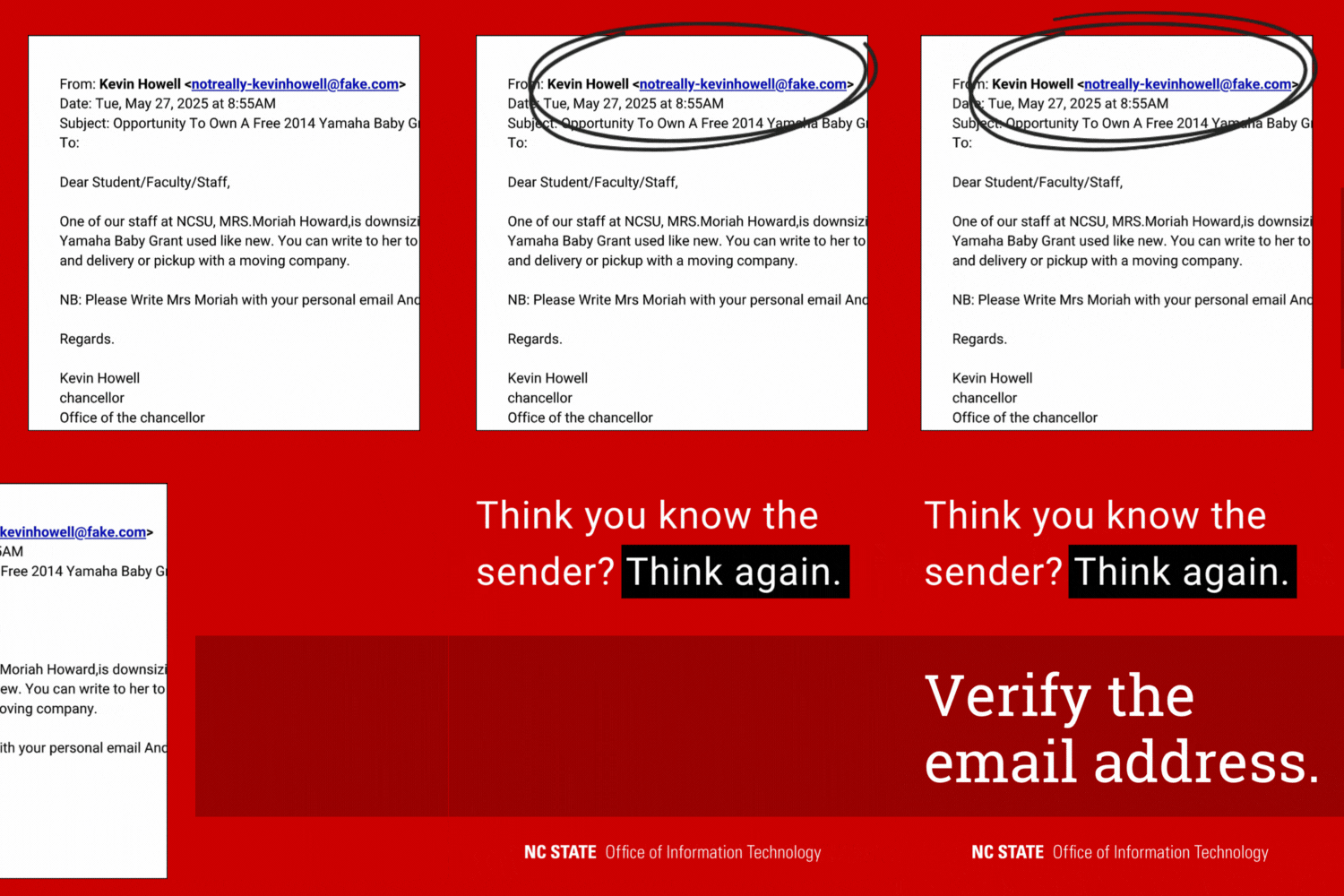
Verify the Sender
Is that email really from the chancellor? Many phishing emails impersonate university officials. Always verify the email sender’s address, even if it seems familiar. If the email appears to be from someone you know personally, contact them in a different way.
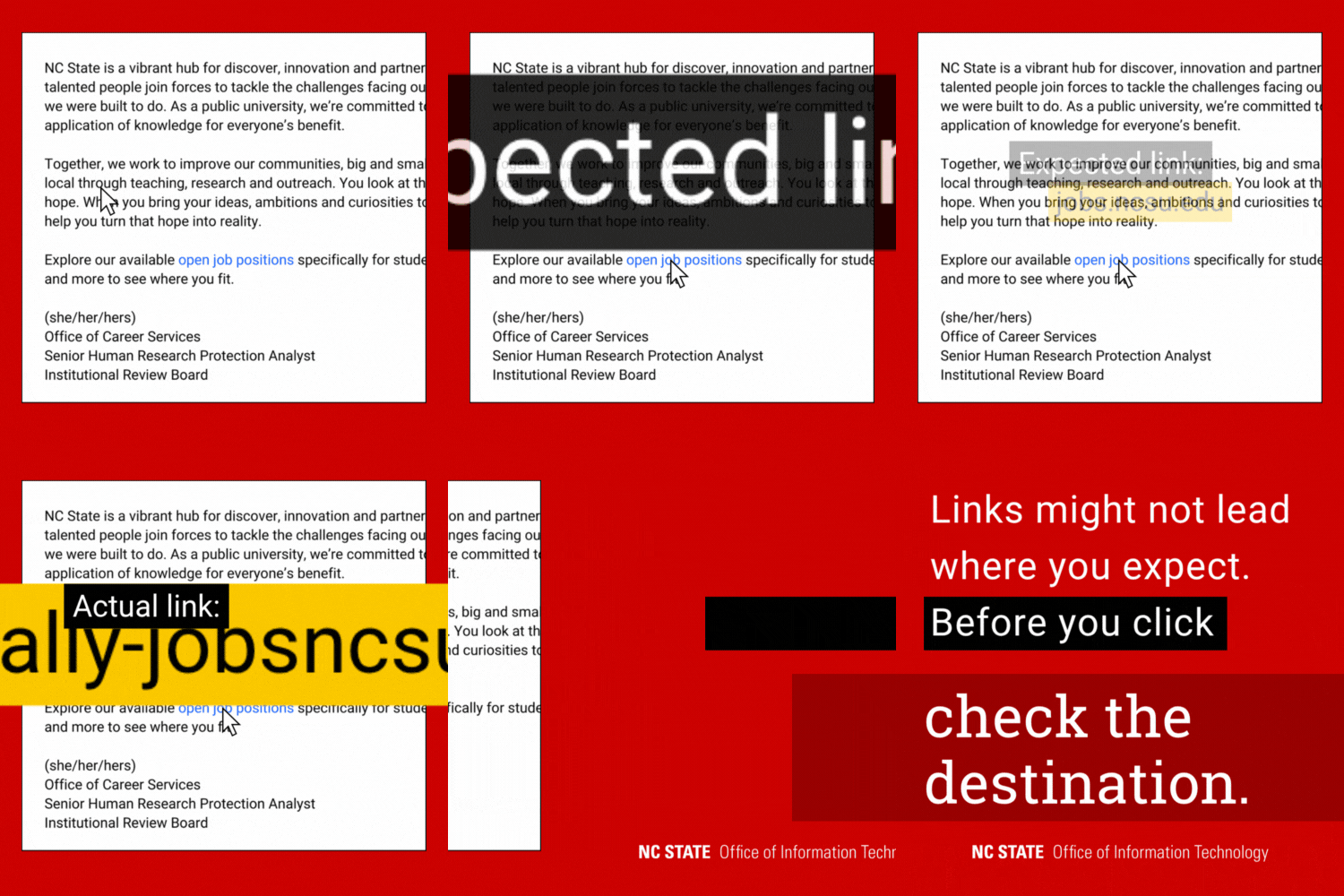
Hover Over Links
Malicious links are often disguised to look legitimate. Before you click, always hover over hyperlinked text — or carefully press and hold on a mobile device — to see where it points. If the destination is unclear, it may be a scam.
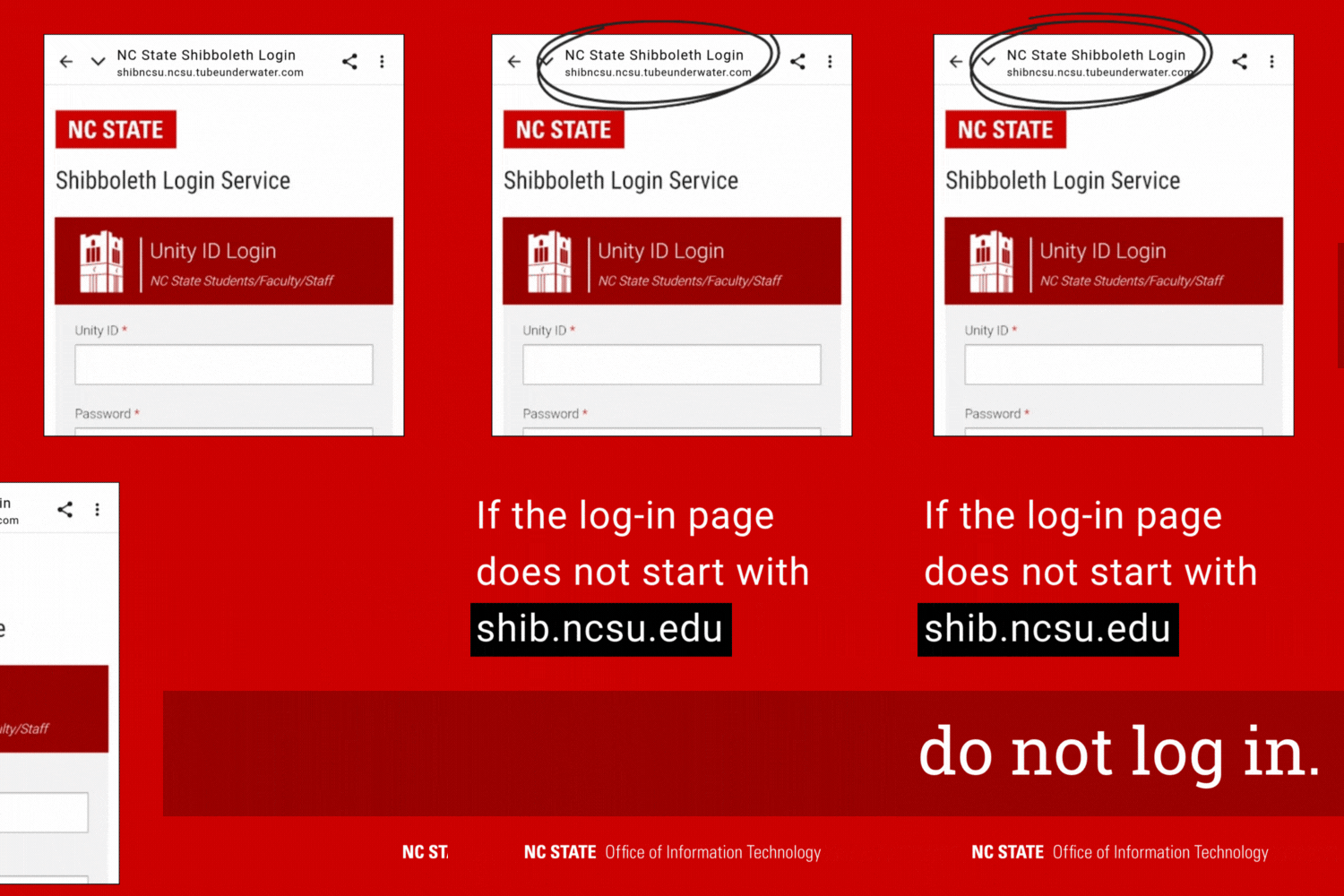
Check Shibboleth URLs
Our community often encounters phishing scams that involve fake Shibboleth log-in pages. A real log-in page’s URL will always start with shib.ncsu.edu — never enter your credentials otherwise.
Watch for Red Flags
While artificial intelligence is making phishing more sophisticated, there are still some red flags that can help you spot a scam. Look out for:
- A sense of urgency
- Unexpected messages
- Offers that are too good to be true
- Generic language
- Typos
Get Help
There are several ways to report phishing at NC State or ask for a second opinion:
- Contact the NC State Help Desk via the NC State IT Service Portal or call 919.515.HELP (4357).
- Send suspicious emails to [email protected].
- Use Google’s built-in reporting feature. Open the suspicious email on a computer, click the More option (three vertical dots) at the top-right corner and select Report phishing.
For monthly tips to help you stay safe online, subscribe to OIT News.
- Categories: