Don’t fall for phishing this semester.
Phishing might look like an unexpected email, a text with a malicious link or a fake website requesting personal information. And one wrong click or share puts our entire community’s data at risk.
Always remember these three steps:
- Be suspicious.
- Take your time.
- Ask for help.
What the Scammers Are Saying
- “Your account will be deactivated.”
- “You have a new document for electronic review.”
- “New work study opportunities”
- “Personalized compensation statement”
While artificial intelligence is making phishing more sophisticated, there are still some red flags that can help you spot a scam. Look out for:
- A sense of urgency
- Unexpected messages
- Offers that are too good to be true
- Generic language
Stay Safe With These Tips
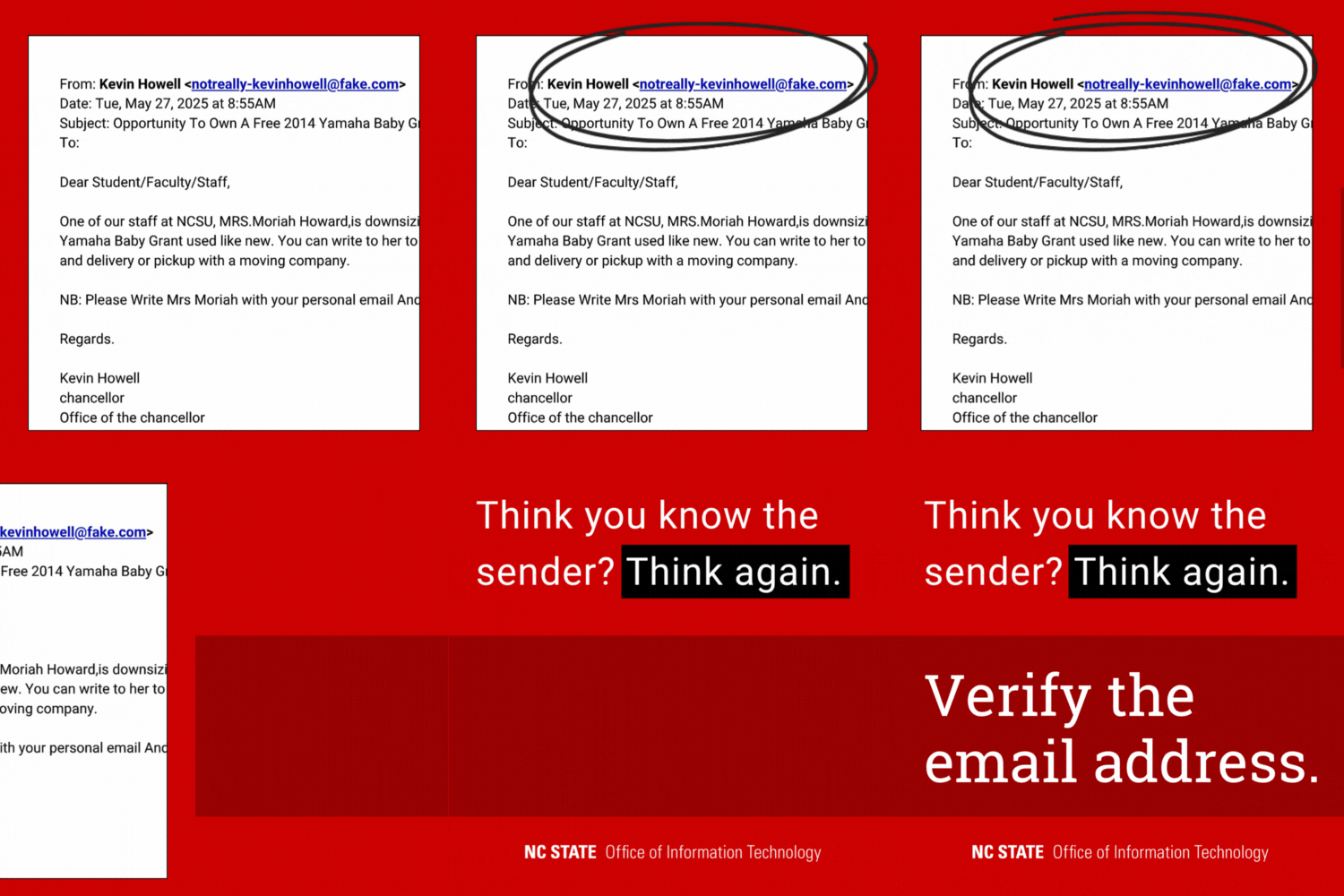
Verify the Sender
Is that email really from the chancellor? Many phishing emails impersonate university officials. Always verify the email sender’s address, even if it seems familiar. If the email appears to be from someone you know personally, contact them in a different way.
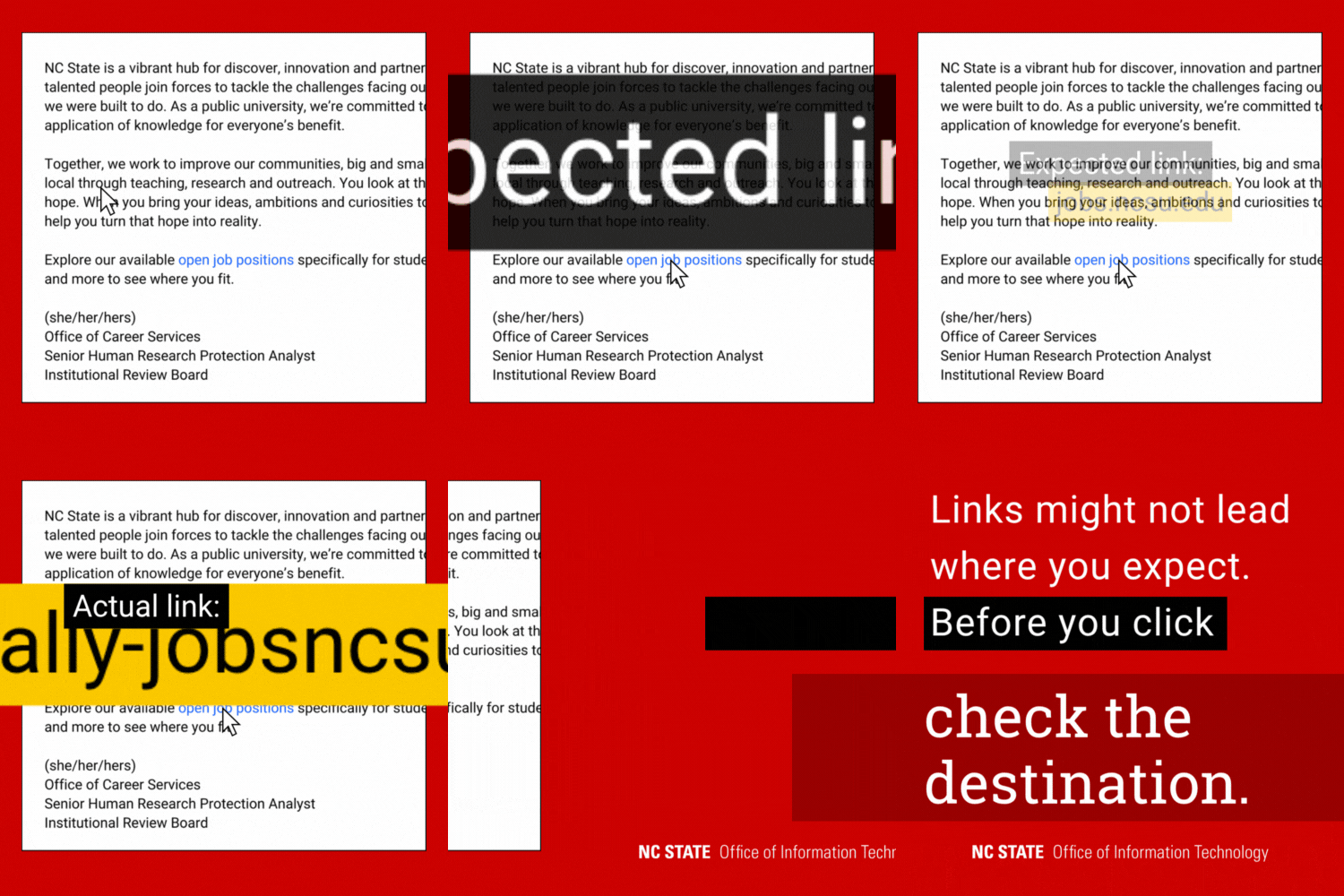
Hover Over Links
Malicious links are often disguised to look legitimate. Always hover over hyperlinked text — or carefully press and hold on a mobile device — to see where it points. If the destination is unclear, it may be a scam. When in doubt, don’t click.
Check Login Page URLs
Our community often encounters phishing scams that involve fake login pages. As NC State’s login experience gradually transitions from Shibboleth to Entra ID this fall, it’s extra important to pay attention to URLs before logging in to university systems. You will see both Shibboleth and Entra login pages over the next few months.
- An Entra login page’s URL will always start with login.microsoftonline.com.
- A Shibboleth login page’s URL will always start with shib.ncsu.edu.
Report Phishing
If you suspect phishing, do not reply or forward the email. Report it immediately.
For monthly tips to help you stay safe online, subscribe to OIT News. Learn more about phishing.
- Categories: