Unlock More in Google Workspace With Add-ons
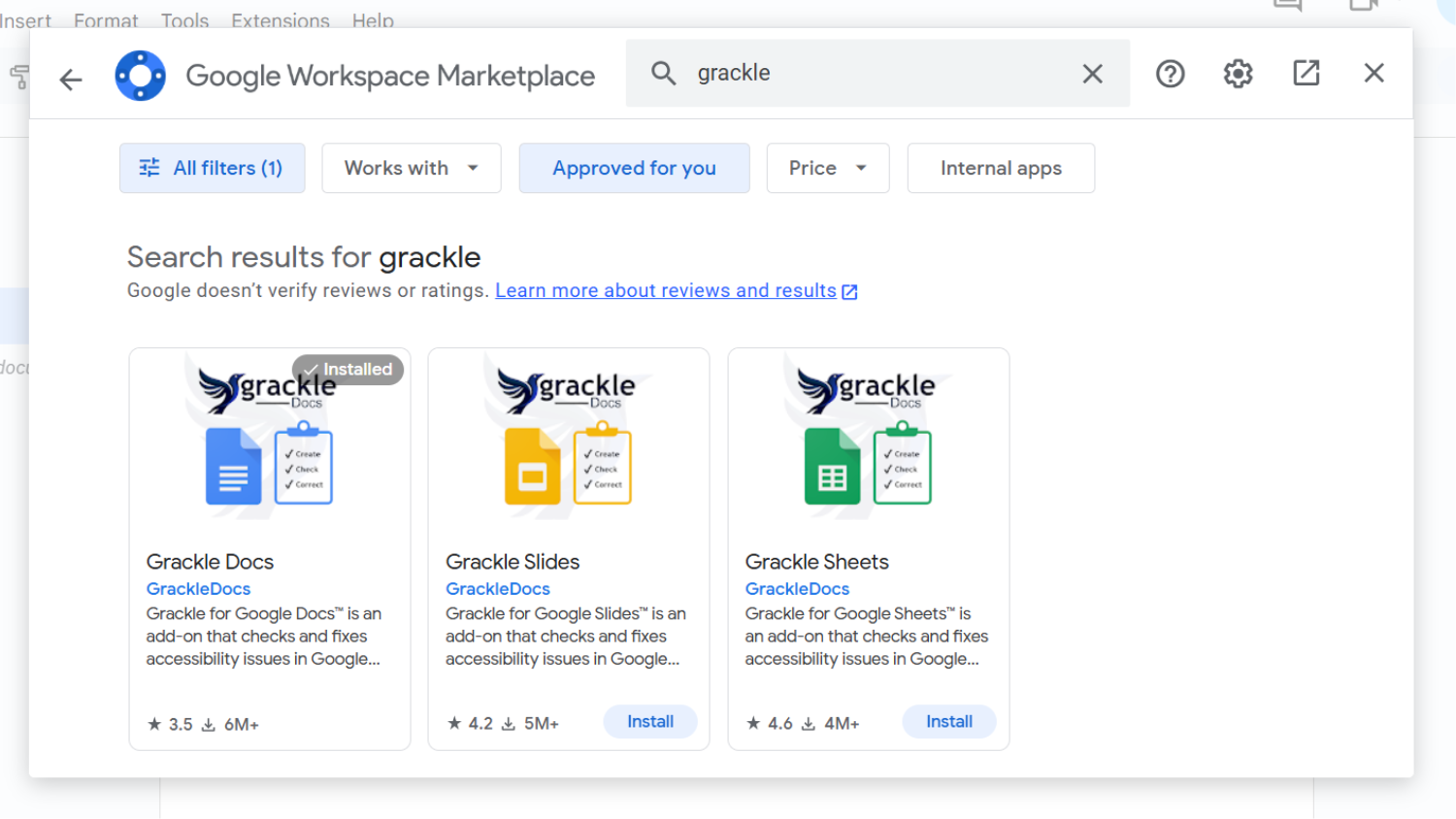
You don’t need to leave your inbox or document to get things done. Google Marketplace add-ons bring your favorite tools directly into your Google sidebar.
What’s Already Approved
The Office of Information Technology has vetted several popular tools for security and privacy. Here is a small sample of add-ons you can install right now:
- YAMM (Yet Another Mail Merge): Send personalized bulk emails directly from a Google Sheet.
- Grackle: The “gold standard” for checking and fixing accessibility issues in Google Docs and Slides.
- Form Notifications: Get instant alerts (or send “Thank You” emails) when someone completes your Google Form.
- NC State Drive Inventory: A custom tool to help you see exactly what’s in your Drive, find duplicates and manage your storage limits.
How to Find Add-ons
You must be signed in to your NC State account to see add-ons available with your NC State Google Workspace.
- For Gmail, Docs or Sheets:
- Open Gmail, Docs or Sheets.
- Click the plus sign (Get Add-ons) on the right-side panel.
- Filter by “Approved for You” to see the full list of safe-to-use apps.
- For other Google apps, like Forms:
- Visit the Approved for You section of the Google Marketplace.
Need Something New?
If a tool isn’t on the approved list, you can submit a review request. A formal review process will take place for security, accessibility and legal compliance. Times vary for review depending on each app, but you will receive updates every step of the process.
- Categories: